
DB Bot Steam For D2r
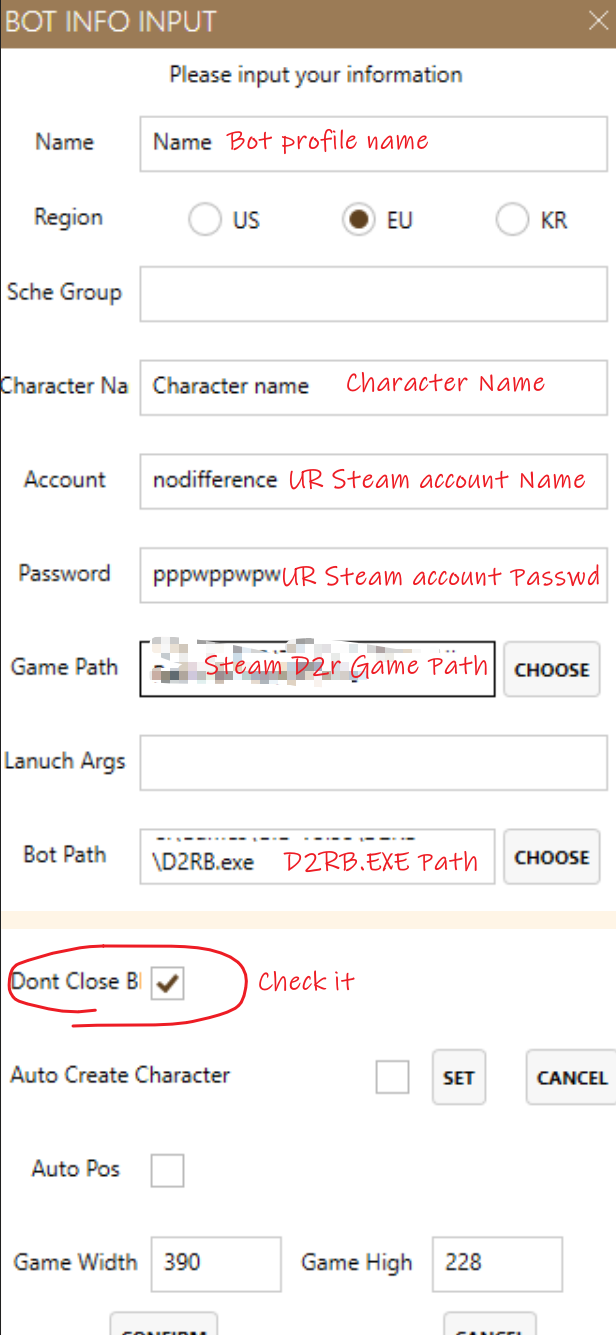
Add Steam Bot Profile
- Blizzard Bnet account and password linked to your Steam account
- Steam D2r Game Path
- DB bot D2RB.exe Path
- DB Bot License key
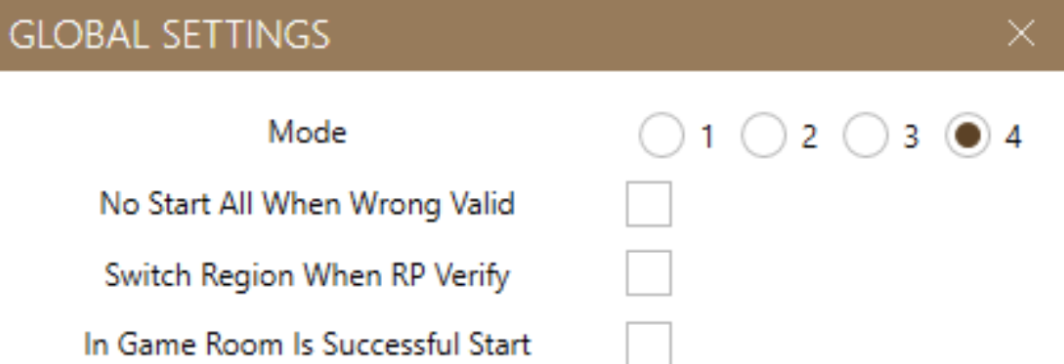
Select Mode 4 In GLOBAL SETTINGS

Start Bot ,Popup Steam login Window
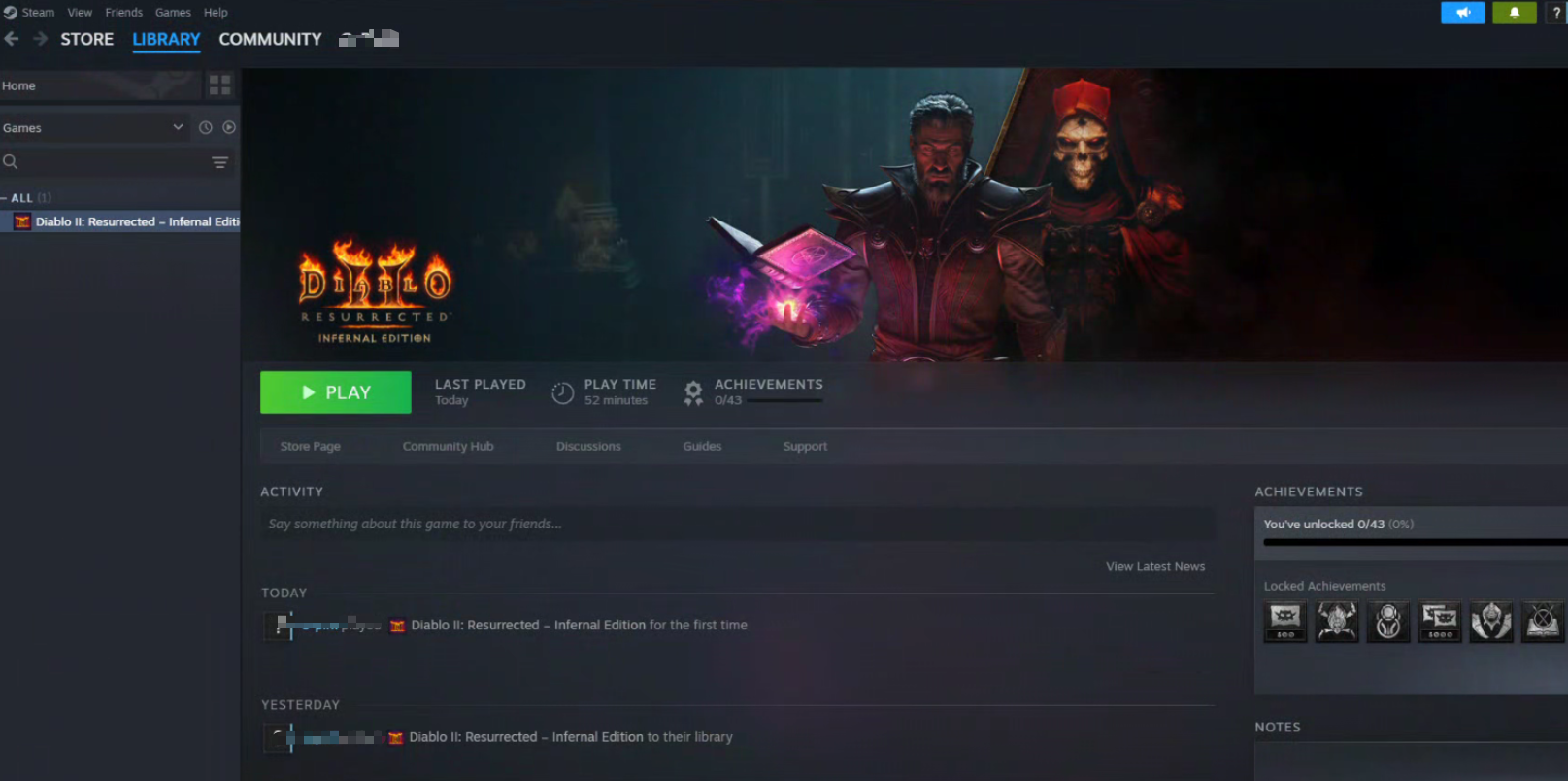
Do Steam settings when bot /game launched
Do Steam settings when bot /game launched, press “ALT+TAB” switch to Steam window.
Steam settings ->Interface
Enable “Start Steam in Library view "
Restart
- Stop the bot and start it again
- Login your Steam account and check the “Remember Me " box